
A Claude plugin is a ready-made bundle of skills, connections and commands that you install in one go, so Claude knows how to work in a specific field without you building everything yourself. You install it in the Claude app, under Customize > Plugins, and it's available on the paid plans.
I build Claude plugins, so here's the explanation the way I give it to business owners: no jargon, and only what you need to know before you install one.
What is a Claude plugin, in plain words?
Think of Claude as a talented new hire who started yesterday. They can write, analyze and think, but they don't know your tools or the way you work.
A plugin is a complete onboarding kit for that new hire. Inside: working instructions for one field, connections to the services they need, short commands to run things, and sometimes helpers of their own to hand parts of a task to. Instead of building ten skills for one field on your own, you install one bundle.
What's the difference between a skill, a connector and a plugin?
All three sit in the same menu, so they're easy to mix up. Here's the difference:
| What | What it does | A business example |
|---|---|---|
| Skill | Working instructions you write once, and Claude pulls them up on its own when the task comes | "This is how we build a price quote here" |
| Connector | Links Claude to a service you already use, so it reads from there and acts there | Gmail, Google Calendar, Drive |
| Plugin | A bundle of skills, connectors, commands and sometimes subagents | A whole marketing team, with its method and its tools |
A skill is one tool. A plugin is a well-organized toolbox. You can learn to build skills on your own in the lesson Skills: teach Claude how you work.
How do you install a plugin in Claude?
There are two ways, and both take less than a minute.
From Anthropic's directory:
- In the Claude app, open
Customize > Plugins. - In the Discover tab, choose a plugin.
- Click Add.
From a file you received (for example, a plugin you bought):
- On the same screen, click Add.
- Choose Upload plugin and upload the file (up to 200MB).
That's it. The plugin is saved to your account, not to your computer, so it's available in chats, in tasks and in Claude Code. To use it, describe the task as usual, or type / in the message box, where its skills show up with the plugin's name.
For example, once you've installed a marketing plugin, you can simply write:
"Give me three ideas for an Instagram post about our new service, in our business's tone."
Where does a plugin work, and where doesn't it?
This is where people get stuck, so it's worth knowing in advance: not every part of a plugin loads everywhere.
- In a regular chat, the skills, commands and connectors work.
- In Cowork tasks and in Claude Code, the subagents and automatic components (hooks) work too.
Feels like something is missing from the plugin? You may be in a regular chat, and the missing part only runs in a task. The difference between a chat, a task and Claude Code is explained in the lesson Claude and Claude Code: what goes where.
Is a plugin safe?
It depends on where it came from.
Plugins in Anthropic's directory go through an automated review and a security scan, and new listings also get a human look. A plugin you upload yourself from a file skips that review, so only install it from a source you trust.
The same rule applies to connectors: a third-party connection is a supplier walking into your business. If you wouldn't give that supplier a key to the office, don't give them access to your email. And with every connection, read the permissions screen before you approve.
Which plugins are there for small businesses?
Anthropic's official plugin. Anthropic has a plugin called Small Business, with dozens of ready workflows: a weekly briefing (/monday-brief), closing the month (/close-month), lead tracking, price quotes and marketing. Every workflow starts in approval mode, so nothing gets sent, published or paid without your approval.
To be honest about it: its connections include tools like QuickBooks, Gusto and Xero, so check which of them you actually use. And it says plainly that it doesn't give financial, tax, legal or HR advice. That still goes through your accountant.
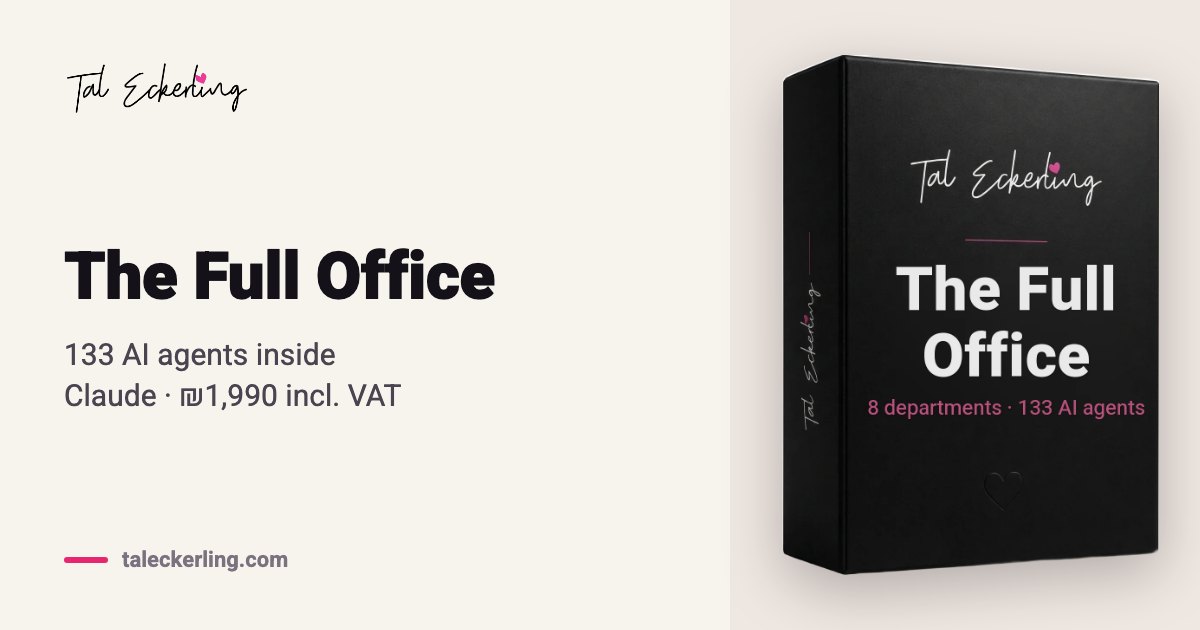
My plugins. I built them from day one for small businesses, in Israel, in Hebrew, and they work in English too. The Full Office is one plugin with 133 AI agents in 8 departments: marketing, branding, sales, content, strategy, operations, podcast and community.
What makes the difference is one opening interview. It builds a business profile, and all 133 agents read from it, so you don't explain who you are to each of them again. Every agent has its own role, method and red lines, and the office manager sends each request to the right department.
Nicole Lieberman, co-founder of Female Film Club, put it this way (translated from Hebrew):
"And I feel like I have a huge team, 130 agents, each one in their own office, each one doing their own job, and they all talk to each other and support me." (the full video)
The agents write, build and advise. They don't publish or send anything for you: you do that, so you stay in control.
When is a plugin not the right step yet?
If you started working with Claude this week, don't start with a plugin. Every add-on also adds complexity, and when you install everything on day one, two weeks later you no longer remember what does what.
The order I recommend:
- For the first two weeks, no add-ons at all. Just tasks on a folder.
- In week three, one connection to the place that hurts the most, your calendar or your email, and one skill for a task that keeps coming back.
- After a month, a plugin, if there's one that fits your field.
One connection that works is worth more than ten that are installed. And whatever you don't use, disable (Disable plugin) or remove. All of these steps are in the lesson Connect your tools: connectors and plugins.
Frequently asked questions
Do I need a paid plan to install a Claude plugin?
Yes. Plugins are available on Claude's paid plans. The Full Office, for example, needs a paid Claude plan (Pro or higher).
Does a plugin I installed also work in Claude Code?
Yes. The plugin is saved to your account, not to your computer, so it's available in chats, in Cowork tasks and in Claude Code. Its subagents and automatic components run only in tasks and in Claude Code.
Can I install several plugins at once?
You can, but every add-on adds complexity. A few tools that really work beat many, and whatever you don't use, disable or remove.
Can a plugin send emails or publish on my behalf?
It depends on the plugin and its connections. With the Gmail connection, Claude asks for your approval before sending by default. Anthropic's business plugin starts every workflow in approval mode, and the Full Office agents write and prepare, but they don't send or publish.
Are there Claude plugins that work in Hebrew as well as English?
Yes. The Full Office and the single teams were built in Hebrew for businesses in Israel, and they answer in English when you write to them in English.
What now
If you have a paid Claude plan and want to see what a complete business plugin looks like, the Full Office is 133 agents in one install. If one department is enough for you, you can start with a single team and upgrade later.
And if Claude is still new to you, the Claude Academy is the place to start: not a course, but 16 short lessons, at no cost. And if you'd like to understand first what an AI agent actually does: AI agents for business: what they really are, and how they differ from a chat.